
3 Months
$25 USD
- 35,000+ international channels
- 179,000+ movies and series on demand
- SD, HD, Full HD, 4K, and UHD quality options
- Anti-buffer infrastructure with practical network guidance
- Age-restricted option: +$5
Explore live channel groups, major sports, a broad movie and series library, and device-friendly setup guidance in one organized service for US households.
Cheap access may cost less. A supported annual viewing setup is $59.















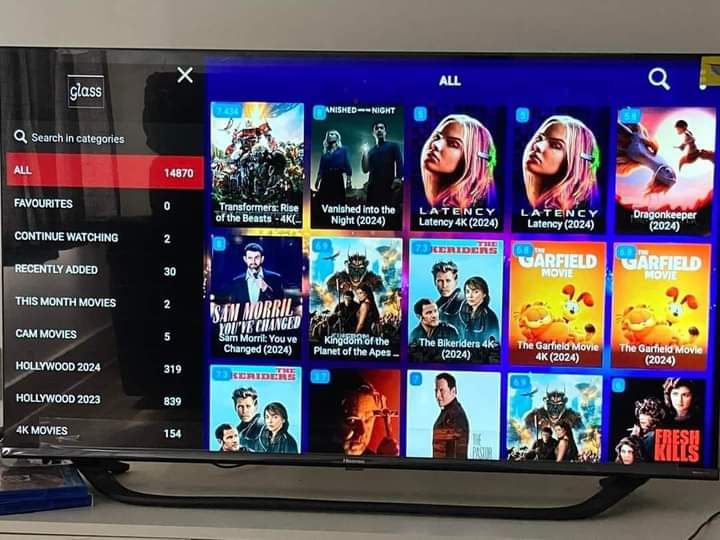
Browse familiar artwork and clear categories without turning a large on-demand library into an endless list.










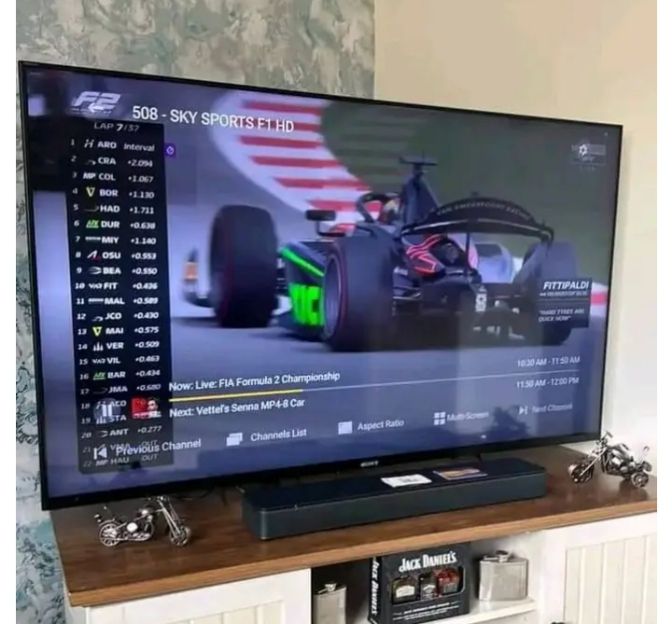
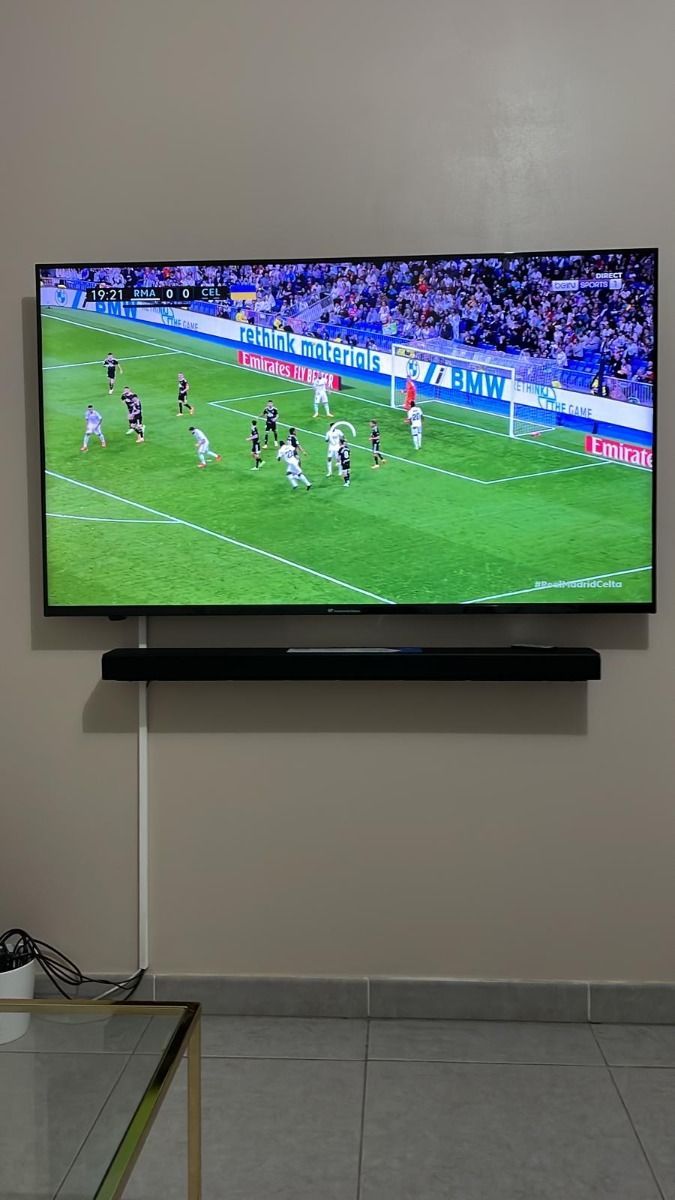
Prepare for league coverage, motorsports, pay-per-view events, and international competition with organized categories.












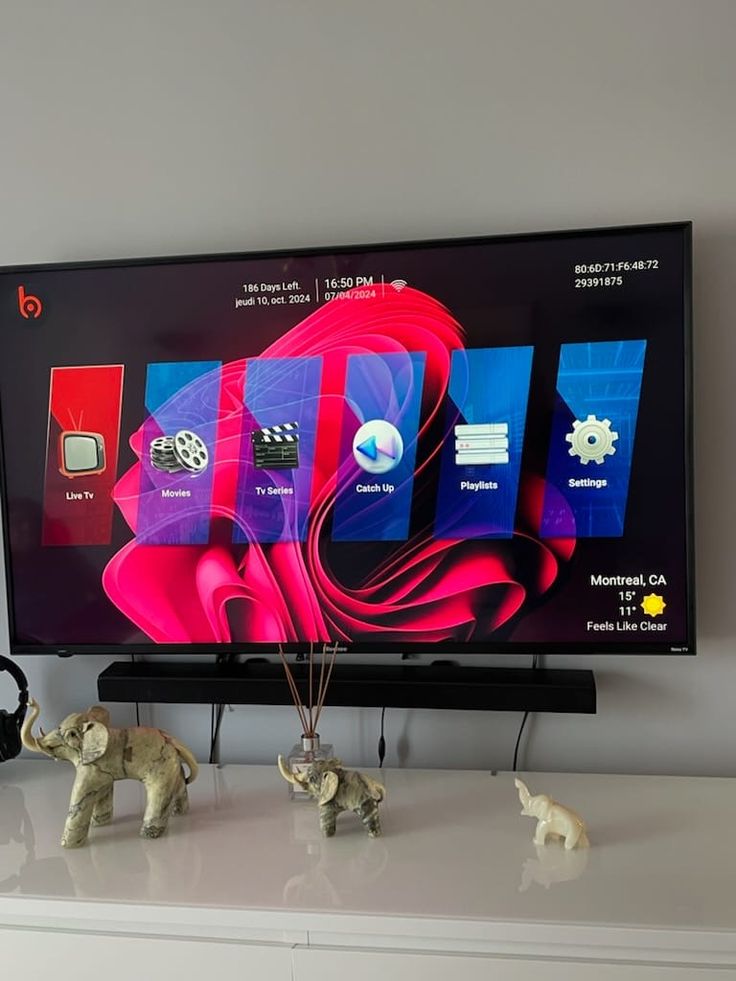
See how categories and content artwork can appear inside a compatible player. Interfaces vary by app and device.
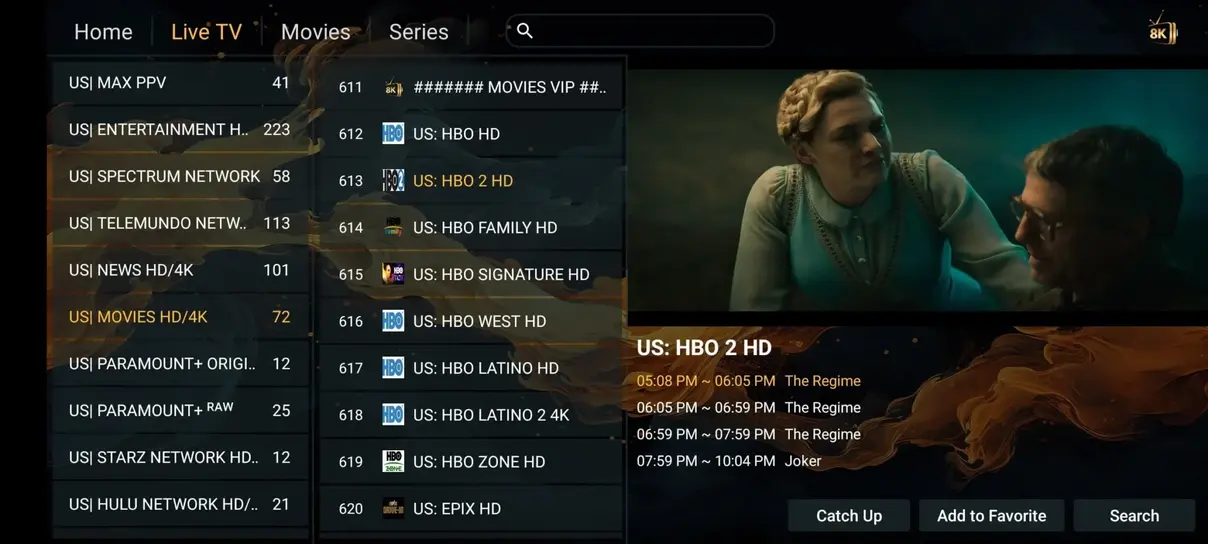
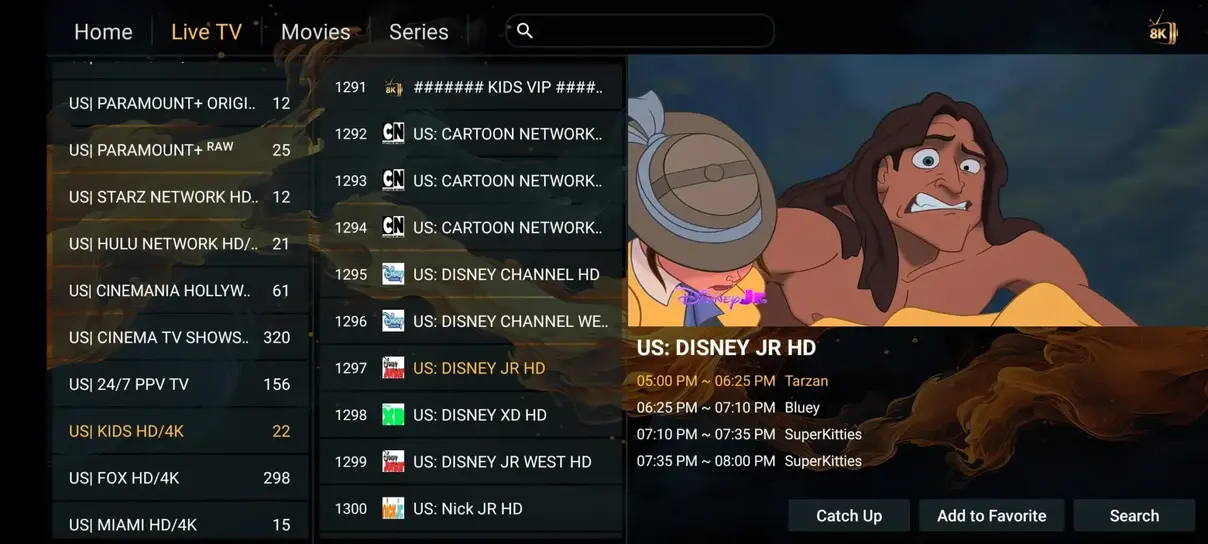
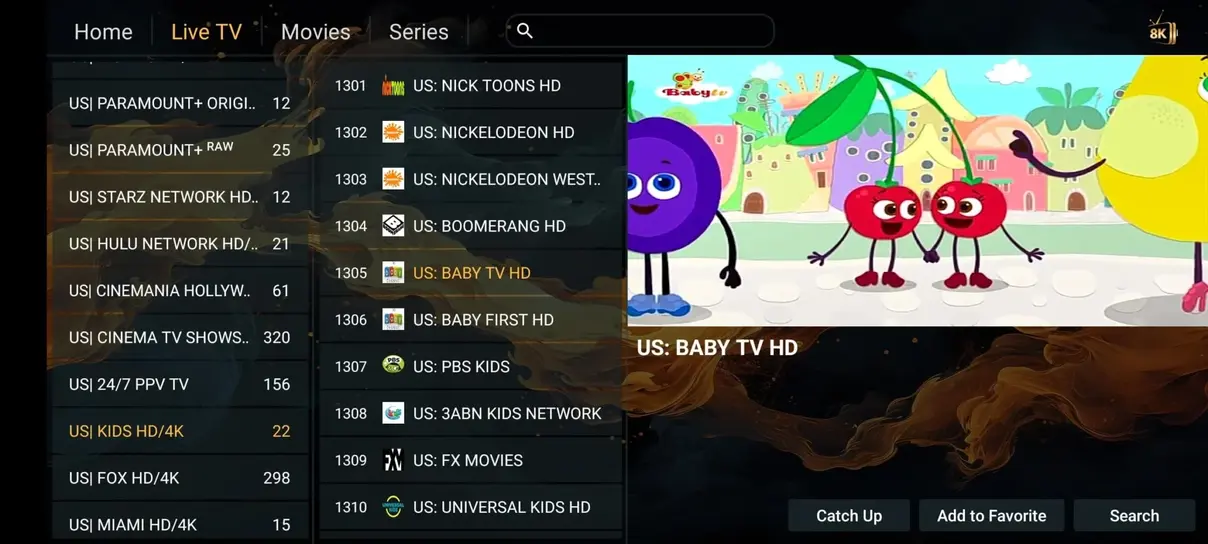
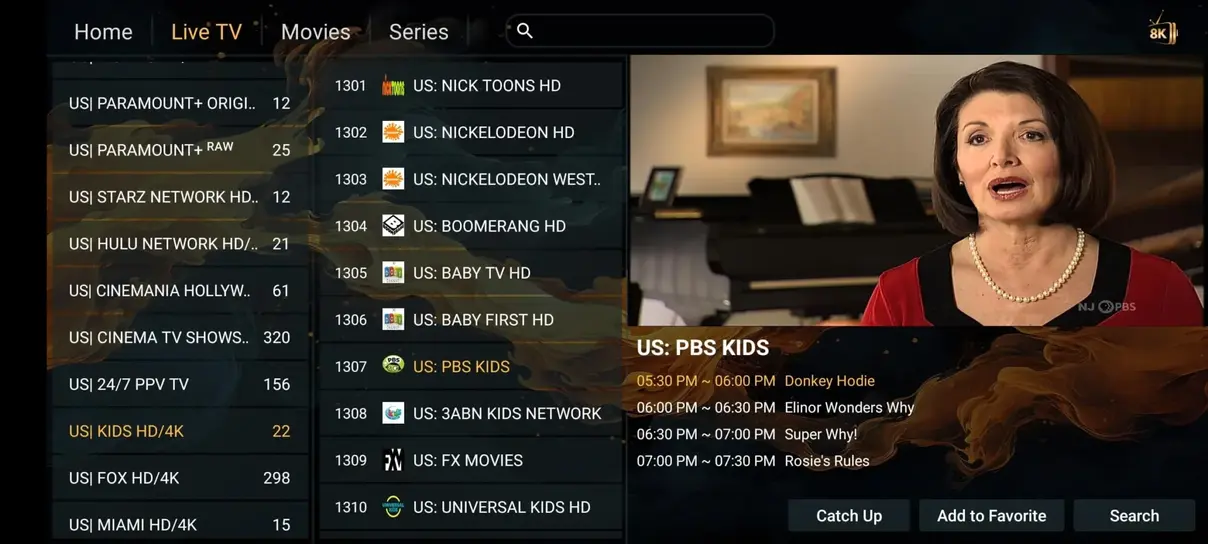
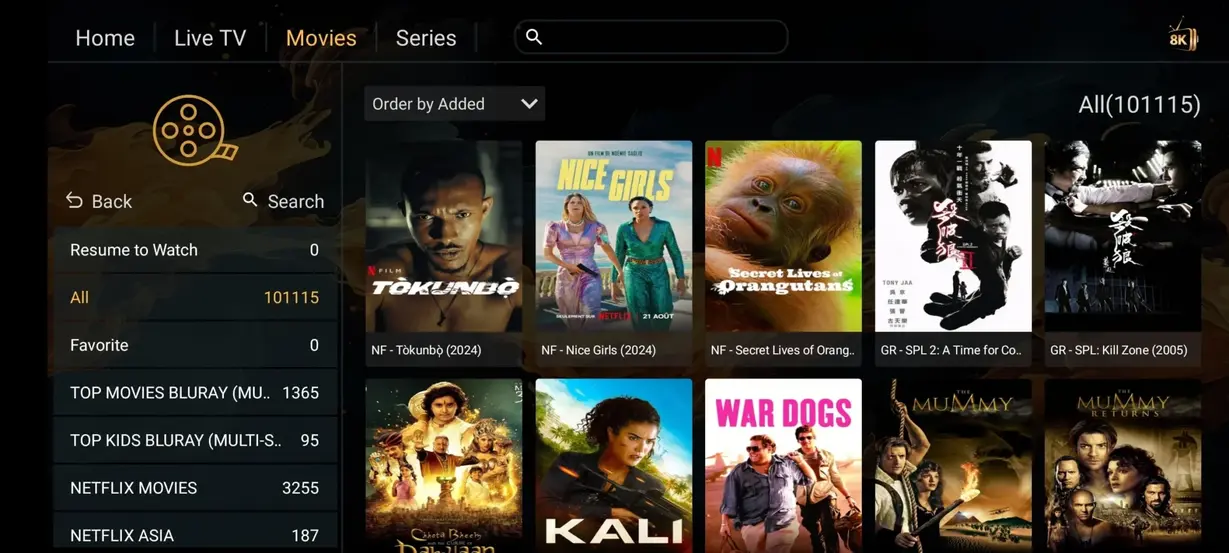
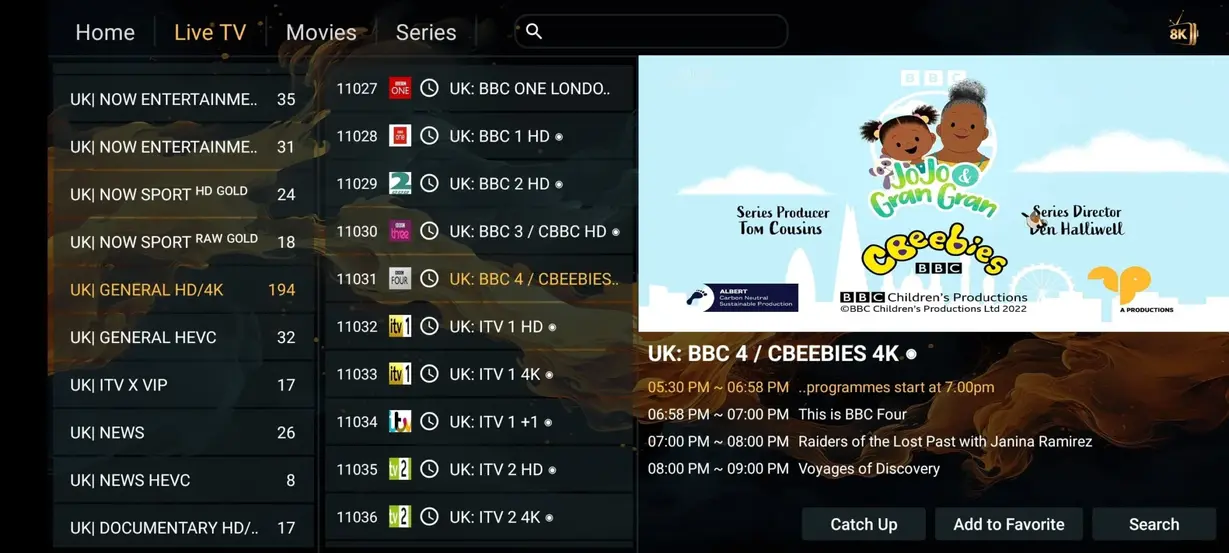
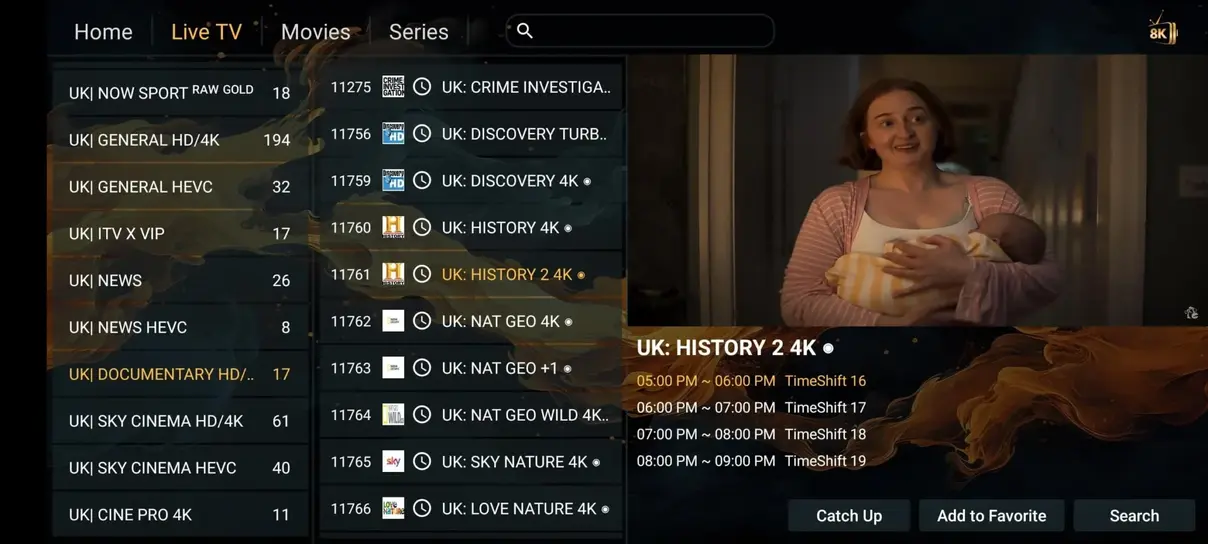
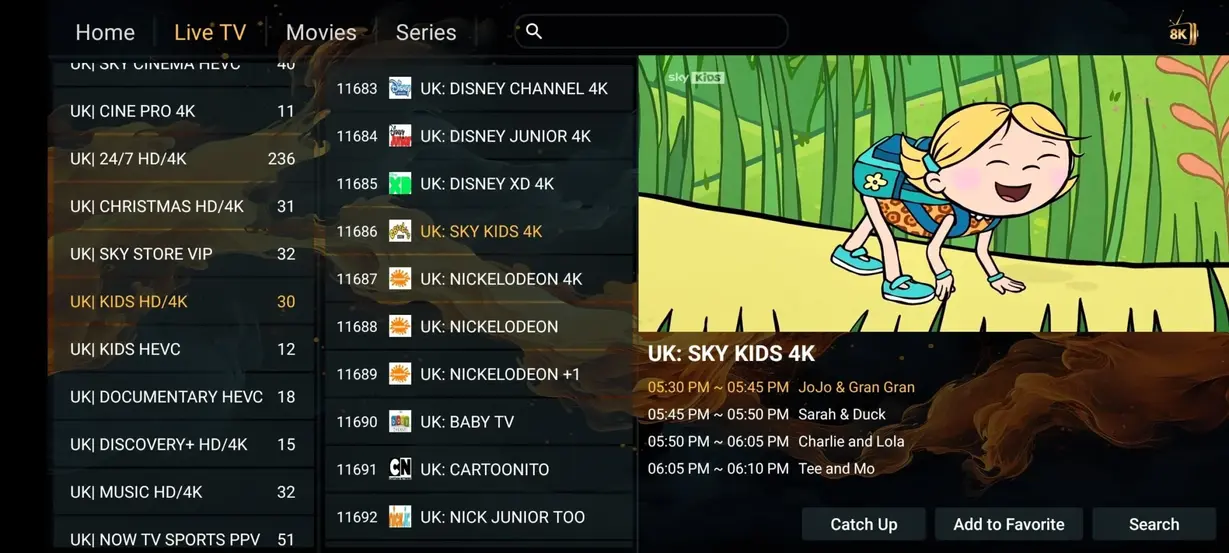
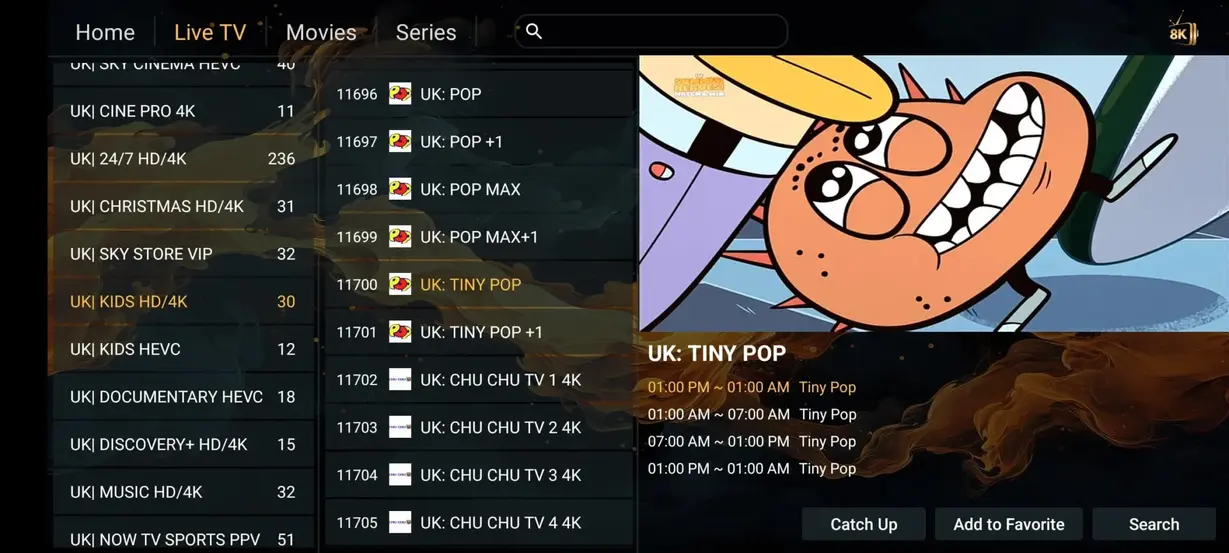
Compare the listed service structure with a typical cable or satellite package. Exact provider pricing and lineups vary.
| Category | 4K IPTV USA | Cable or Satellite |
|---|---|---|
| Annual cost | $59 per year | $1,200+ per year |
| Live channels | 35,000+ | Often 200–500 |
| Movies and series | 179,000+ included | Often costs extra |
| Age-restricted categories | Available on eligible plans | Varies by provider |
| 24/7 channels | 1,000+ | Limited |
| Sports categories | Included | Often separate tiers |
| Long contract | No | Frequently required |
| Watch on compatible devices | Yes | Often more limited |
Choose the duration that fits your setup confidence. Confirm device compatibility and must-have categories before ordering.
3 Months
12 Months
6 Months
1 Month

Choose simultaneous access for the rooms and devices that actually play at the same time. Each added stream also needs sufficient household bandwidth.
Two simultaneous screens with the same core service categories.
Choose 2 ScreensTwo simultaneous screens for a full year of flexible household viewing.
Choose Annual Multi-ScreenTell support how many devices must stream at the same time.
Ask About More ScreensUse a trusted compatible player, keep access details private, and test the setup before customizing it.
Open the official store on your Smart TV, Fire TV, Android, Apple, or computer and install a player that supports your login format.
Add the playlist URL, portal, or account details supplied after purchase. Store them privately and never post them in screenshots.
Refresh once, test an HD stream, confirm guide information, and create a small favorites list before changing advanced settings.
Choose a device with a supported player, current software, practical remote, and stable local connection.








Published feedback highlights sports, movies, device setup, navigation, and support. The displayed summary is 4.9 out of 5 across 243 ratings.
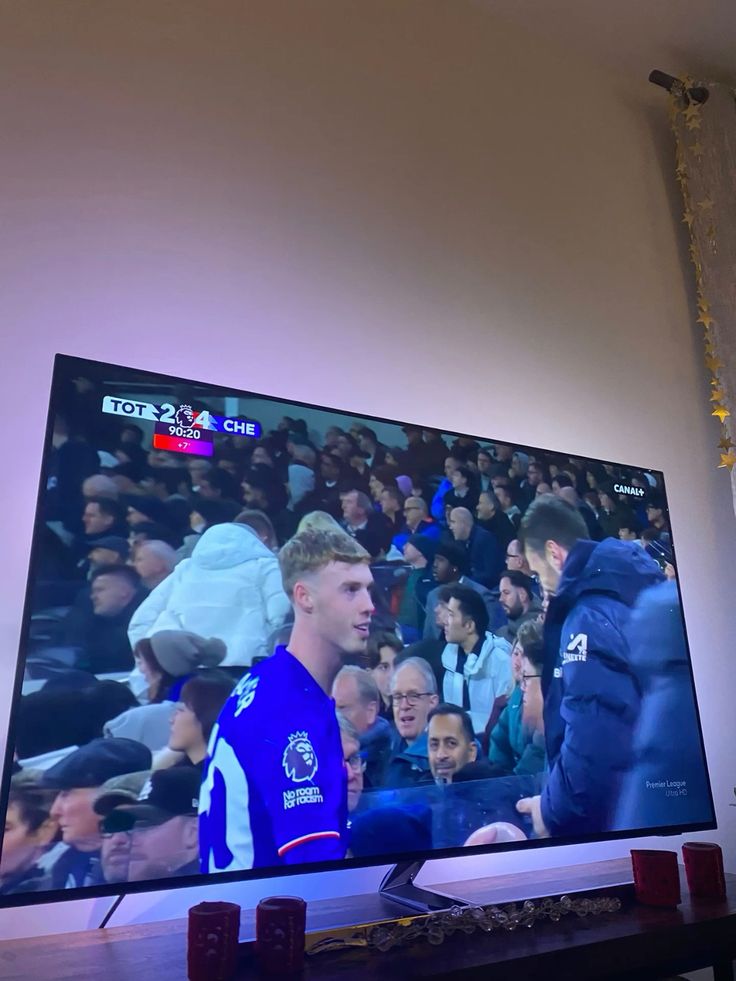
The Fire TV setup notes were easy to follow, and organizing sports favorites took only a few minutes.
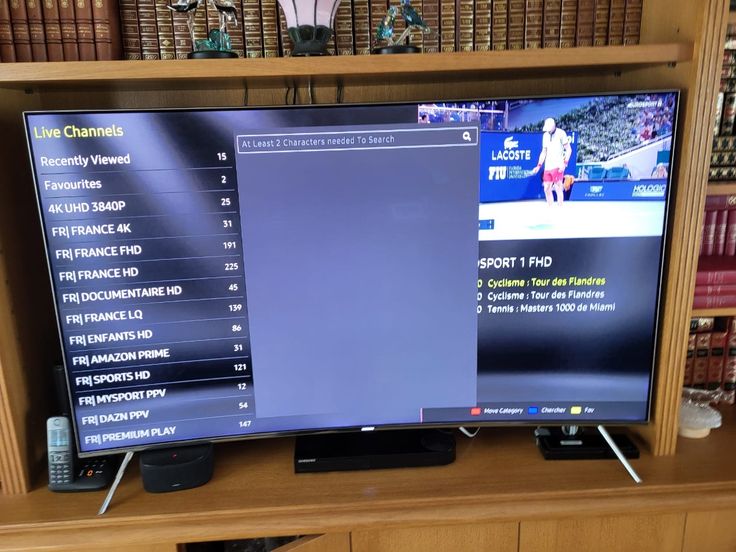
I appreciated getting a direct answer about which player suited my television before I started.
The guide and channel categories made the first evening much less confusing than expected.
Movies and series are simple to browse, and the family learned the interface quickly.
Ethernet made the biggest difference in my setup, and support helped me isolate that quickly.
The plan options were clear, with no need to guess which duration I was asking about.
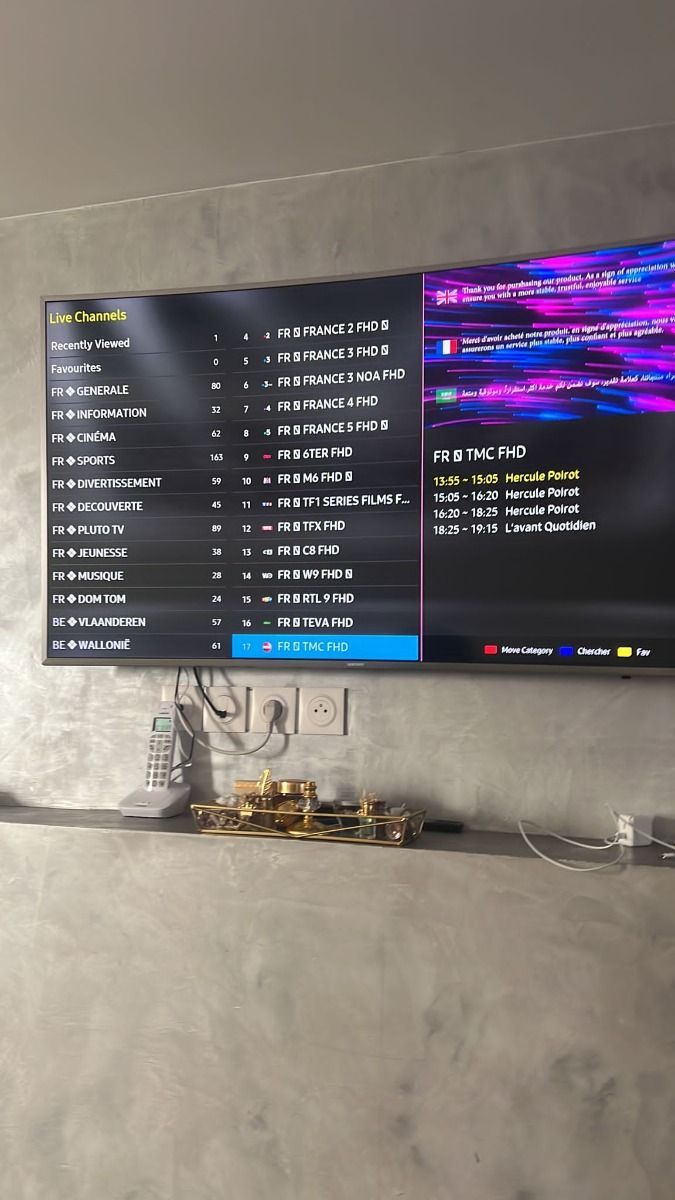
I use a smart TV and tablet, and the device guidance explained what each player needed.
These interface examples show the kind of concise, device-focused conversation that helps support understand a setup question.
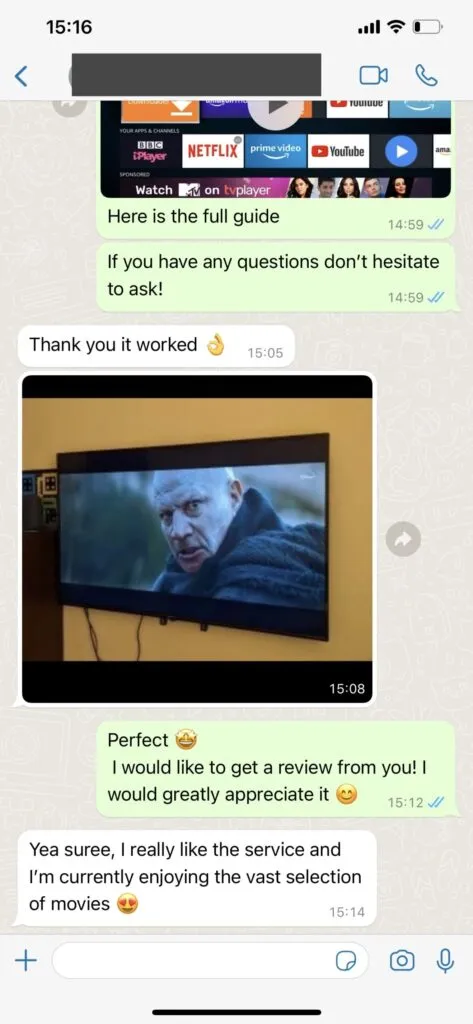
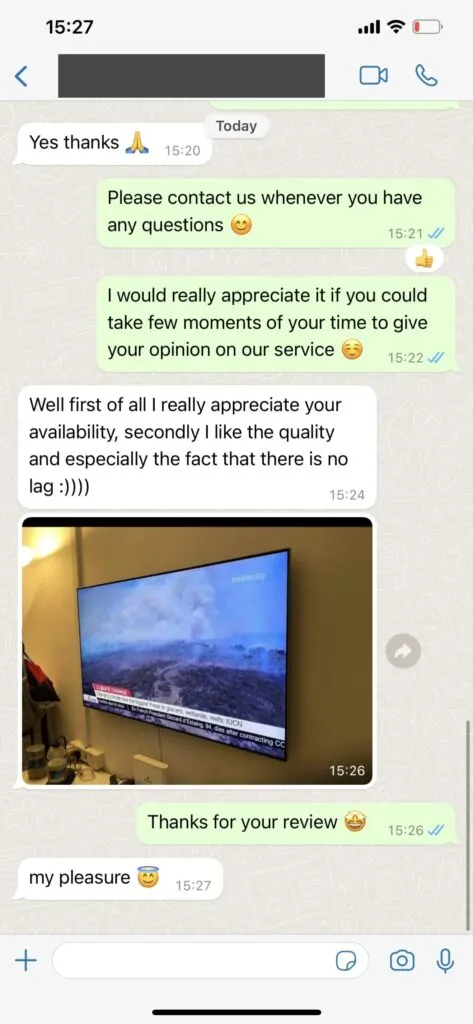
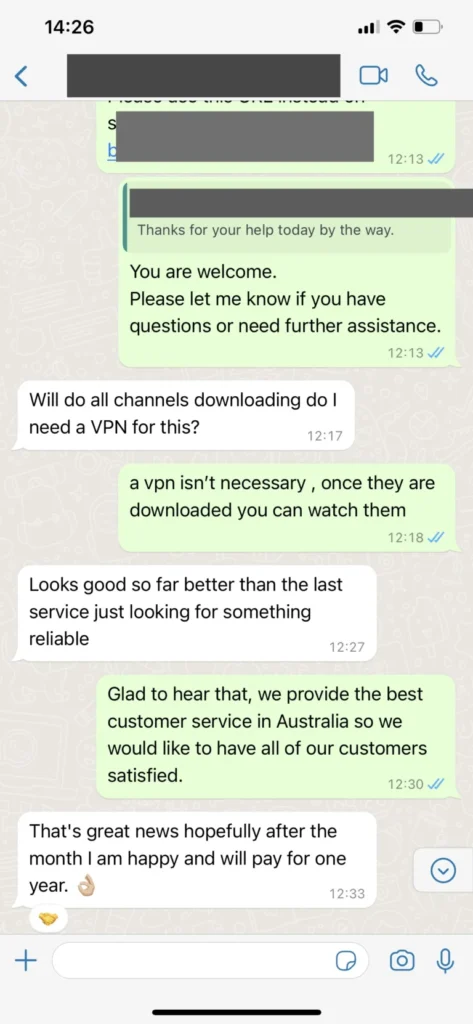
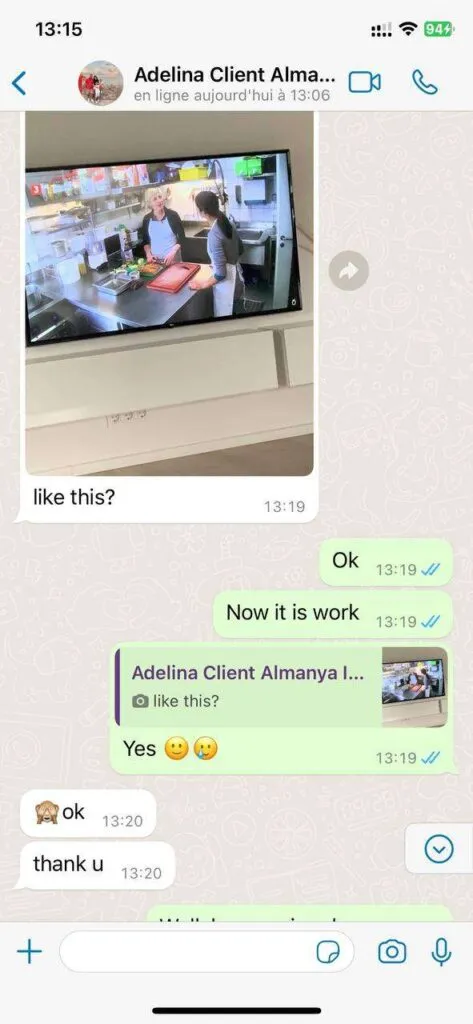
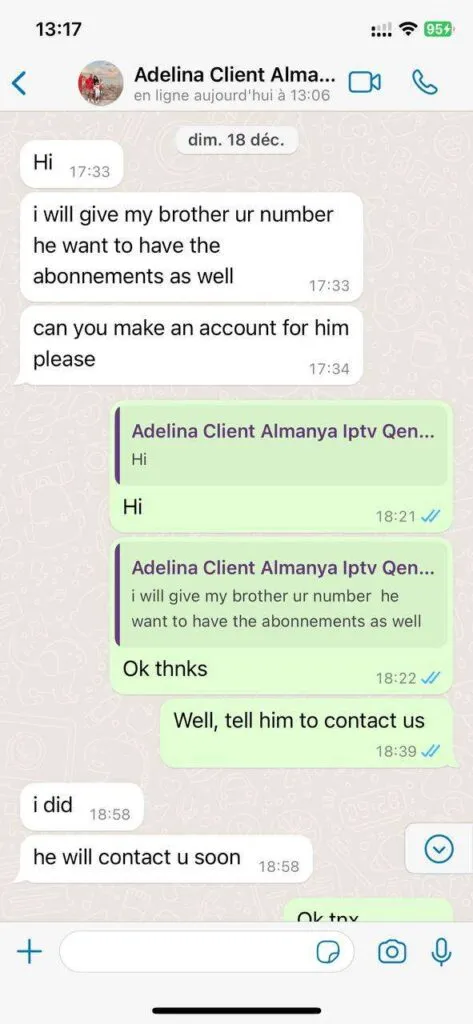
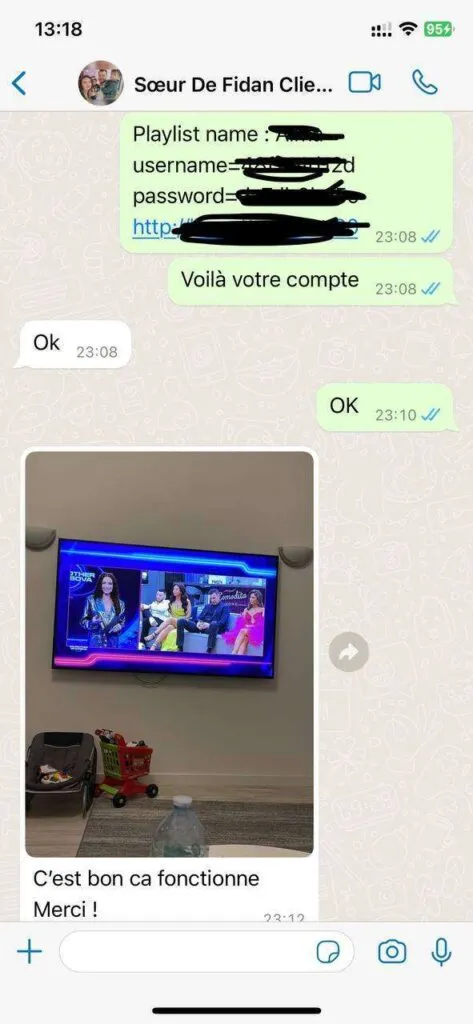
Prioritize practical navigation, picture options, device compatibility, guide data, and useful human support.
Move between regional, news, entertainment, sports, and international groups without one endless list.
Browse movies and series with posters, genres, search, seasons, episodes, and available subtitle tracks.
Use schedule data and selected catch-up tools to plan viewing around a changing week.
Choose familiar televisions, sticks, phones, tablets, or computers with a suitable player.
Match quality to connection speed and troubleshoot one device, app, and network path at a time.
Share exact setup details so support can respond with a relevant next action.
Detailed guidance helps you choose a device, prepare the network, protect credentials, and ask better support questions.
For home decisions, start with the screen you use most deserves more attention than a headline number. Evaluate the television, streaming stick, remote, operating system, and app store before comparing long subscription terms. Write down what you expect to watch, which screen will be used, who controls the device, and when the household is busiest. That small inventory turns a broad sales question into a practical compatibility check. It also gives support enough context to explain what can be confirmed now, what may vary by application, and what should be tested before a longer commitment.
A dependable approach begins with observable details. Evaluate the television, streaming stick, remote, operating system, and app store before comparing long subscription terms. Check the exact device model, operating-system version, available storage, player version, and network connection before changing several settings at once. If the result differs from another screen, record that difference instead of assuming the subscription itself is the only cause. This measured process protects time, reduces accidental configuration problems, and makes every message to 4K IPTV USA support more specific.
US households often combine smart televisions, mobile devices, streaming sticks, game systems, work calls, and large downloads on one connection. That shared environment matters when considering start with the screen you use most. Test during normal viewing hours and look for consistency, not only the fastest single result. Ethernet can remove wireless uncertainty for a fixed screen, while a current Wi-Fi standard and careful router placement may be enough elsewhere. Keep the comparison fair by using the same stream and quality setting.
Before finalizing this part of the setup, review privacy and expectations. Never paste account URLs, server details, usernames, passwords, QR codes, or unredacted payment information into a public post. Ask about a must-have channel or feature directly because catalogs, metadata, app interfaces, and regional rights can change. Then choose the plan duration that matches your confidence in the device and network. That is a stronger basis for a 4K IPTV USA decision than treating every household as identical.
For home decisions, match picture quality to the full connection deserves more attention than a headline number. Measure speed beside the viewing device during busy hours and compare Wi-Fi with Ethernet rather than relying on a router-side test. Write down what you expect to watch, which screen will be used, who controls the device, and when the household is busiest. That small inventory turns a broad sales question into a practical compatibility check. It also gives support enough context to explain what can be confirmed now, what may vary by application, and what should be tested before a longer commitment.
A dependable approach begins with observable details. Measure speed beside the viewing device during busy hours and compare Wi-Fi with Ethernet rather than relying on a router-side test. Check the exact device model, operating-system version, available storage, player version, and network connection before changing several settings at once. If the result differs from another screen, record that difference instead of assuming the subscription itself is the only cause. This measured process protects time, reduces accidental configuration problems, and makes every message to 4K IPTV USA support more specific.
US households often combine smart televisions, mobile devices, streaming sticks, game systems, work calls, and large downloads on one connection. That shared environment matters when considering match picture quality to the full connection. Test during normal viewing hours and look for consistency, not only the fastest single result. Ethernet can remove wireless uncertainty for a fixed screen, while a current Wi-Fi standard and careful router placement may be enough elsewhere. Keep the comparison fair by using the same stream and quality setting.
Before finalizing this stage of the setup, review privacy and expectations. Never paste account URLs, server details, usernames, passwords, QR codes, or unredacted payment information into a public post. Ask about a must-have channel or feature directly because catalogs, metadata, app interfaces, and regional rights can change. Then choose the plan duration that matches your confidence in the device and network. That is a stronger basis for a 4K IPTV USA decision than treating every household as identical.
For home decisions, organize a large channel catalog deserves more attention than a headline number. Use favorites, search, EPG data, categories, and family profiles to make everyday browsing faster and less distracting. Write down what you expect to watch, which screen will be used, who controls the device, and when the household is busiest. That small inventory turns a broad sales question into a practical compatibility check. It also gives support enough context to explain what can be confirmed now, what may vary by application, and what should be tested before a longer commitment.
A dependable approach begins with observable details. Use favorites, search, EPG data, categories, and family profiles to make everyday browsing faster and less distracting. Check the exact device model, operating-system version, available storage, player version, and network connection before changing several settings at once. If the result differs from another screen, record that difference instead of assuming the subscription itself is the only cause. This measured process protects time, reduces accidental configuration problems, and makes every message to 4K IPTV USA support more specific.
US households often combine smart televisions, mobile devices, streaming sticks, game systems, work calls, and large downloads on one connection. That shared environment matters when considering organize a large channel catalog. Test during normal viewing hours and look for consistency, not only the fastest single result. Ethernet can remove wireless uncertainty for a fixed screen, while a current Wi-Fi standard and careful router placement may be enough elsewhere. Keep the comparison fair by using the same stream and quality setting.
Before finalizing this part of the setup, review privacy and expectations. Never paste account URLs, server details, usernames, passwords, QR codes, or unredacted payment information into a public post. Ask about a must-have channel or feature directly because catalogs, metadata, app interfaces, and regional rights can change. Then choose the plan duration that matches your confidence in the device and network. That is a stronger basis for a 4K IPTV USA decision than treating every household as identical.
For home decisions, plan sports viewing carefully deserves more attention than a headline number. Confirm must-have leagues, event timing, time zones, replay expectations, and device readiness before an important game. Write down what you expect to watch, which screen will be used, who controls the device, and when the household is busiest. That small inventory turns a broad sales question into a practical compatibility check. It also gives support enough context to explain what can be confirmed now, what may vary by application, and what should be tested before a longer commitment.
A dependable approach begins with observable details. Confirm must-have leagues, event timing, time zones, replay expectations, and device readiness before an important game. Check the exact device model, operating-system version, available storage, player version, and network connection before changing several settings at once. If the result differs from another screen, record that difference instead of assuming the subscription itself is the only cause. This measured process protects time, reduces accidental configuration problems, and makes every message to 4K IPTV USA support more specific.
US households often combine smart televisions, mobile devices, streaming sticks, game systems, work calls, and large downloads on one connection. That shared environment matters when considering plan sports viewing carefully. Test during normal viewing hours and look for consistency, not only the fastest single result. Ethernet can remove wireless uncertainty for a fixed screen, while a current Wi-Fi standard and careful router placement may be enough elsewhere. Keep the comparison fair by using the same stream and quality setting.
Before finalizing this stage of the setup, review privacy and expectations. Never paste account URLs, server details, usernames, passwords, QR codes, or unredacted payment information into a public post. Ask about a must-have channel or feature directly because catalogs, metadata, app interfaces, and regional rights can change. Then choose the plan duration that matches your confidence in the device and network. That is a stronger basis for a 4K IPTV USA decision than treating every household as identical.
For home decisions, protect private access details deserves more attention than a headline number. Treat playlist URLs, server addresses, usernames, and passwords like account credentials and never publish them in screenshots. Write down what you expect to watch, which screen will be used, who controls the device, and when the household is busiest. That small inventory turns a broad sales question into a practical compatibility check. It also gives support enough context to explain what can be confirmed now, what may vary by application, and what should be tested before a longer commitment.
A dependable approach begins with observable details. Treat playlist URLs, server addresses, usernames, and passwords like account credentials and never publish them in screenshots. Check the exact device model, operating-system version, available storage, player version, and network connection before changing several settings at once. If the result differs from another screen, record that difference instead of assuming the subscription itself is the only cause. This measured process protects time, reduces accidental configuration problems, and makes every message to 4K IPTV USA support more specific.
US households often combine smart televisions, mobile devices, streaming sticks, game systems, work calls, and large downloads on one connection. That shared environment matters when considering protect private access details. Test during normal viewing hours and look for consistency, not only the fastest single result. Ethernet can remove wireless uncertainty for a fixed screen, while a current Wi-Fi standard and careful router placement may be enough elsewhere. Keep the comparison fair by using the same stream and quality setting.
Before finalizing this part of the setup, review privacy and expectations. Never paste account URLs, server details, usernames, passwords, QR codes, or unredacted payment information into a public post. Ask about a must-have channel or feature directly because catalogs, metadata, app interfaces, and regional rights can change. Then choose the plan duration that matches your confidence in the device and network. That is a stronger basis for a 4K IPTV USA decision than treating every household as identical.
For home decisions, choose a duration with context deserves more attention than a headline number. Balance flexibility, listed annual value, device compatibility, simultaneous-screen needs, and the published refund terms. Write down what you expect to watch, which screen will be used, who controls the device, and when the household is busiest. That small inventory turns a broad sales question into a practical compatibility check. It also gives support enough context to explain what can be confirmed now, what may vary by application, and what should be tested before a longer commitment.
A dependable approach begins with observable details. Balance flexibility, listed annual value, device compatibility, simultaneous-screen needs, and the published refund terms. Check the exact device model, operating-system version, available storage, player version, and network connection before changing several settings at once. If the result differs from another screen, record that difference instead of assuming the subscription itself is the only cause. This measured process protects time, reduces accidental configuration problems, and makes every message to 4K IPTV USA support more specific.
US households often combine smart televisions, mobile devices, streaming sticks, game systems, work calls, and large downloads on one connection. That shared environment matters when considering choose a duration with context. Test during normal viewing hours and look for consistency, not only the fastest single result. Ethernet can remove wireless uncertainty for a fixed screen, while a current Wi-Fi standard and careful router placement may be enough elsewhere. Keep the comparison fair by using the same stream and quality setting.
Before finalizing this stage of the setup, review privacy and expectations. Never paste account URLs, server details, usernames, passwords, QR codes, or unredacted payment information into a public post. Ask about a must-have channel or feature directly because catalogs, metadata, app interfaces, and regional rights can change. Then choose the plan duration that matches your confidence in the device and network. That is a stronger basis for a 4K IPTV USA decision than treating every household as identical.
For home decisions, ask support questions that lead to answers deserves more attention than a headline number. Share the device model, player name, connection type, exact error, and steps already tried when requesting help. Write down what you expect to watch, which screen will be used, who controls the device, and when the household is busiest. That small inventory turns a broad sales question into a practical compatibility check. It also gives support enough context to explain what can be confirmed now, what may vary by application, and what should be tested before a longer commitment.
A dependable approach begins with observable details. Share the device model, player name, connection type, exact error, and steps already tried when requesting help. Check the exact device model, operating-system version, available storage, player version, and network connection before changing several settings at once. If the result differs from another screen, record that difference instead of assuming the subscription itself is the only cause. This measured process protects time, reduces accidental configuration problems, and makes every message to 4K IPTV USA support more specific.
US households often combine smart televisions, mobile devices, streaming sticks, game systems, work calls, and large downloads on one connection. That shared environment matters when considering ask support questions that lead to answers. Test during normal viewing hours and look for consistency, not only the fastest single result. Ethernet can remove wireless uncertainty for a fixed screen, while a current Wi-Fi standard and careful router placement may be enough elsewhere. Keep the comparison fair by using the same stream and quality setting.
Before finalizing this part of the setup, review privacy and expectations. Never paste account URLs, server details, usernames, passwords, QR codes, or unredacted payment information into a public post. Ask about a must-have channel or feature directly because catalogs, metadata, app interfaces, and regional rights can change. Then choose the plan duration that matches your confidence in the device and network. That is a stronger basis for a 4K IPTV USA decision than treating every household as identical.
Use these answers as a starting point, then confirm device-specific or content-specific details before ordering.
Support is available for 16 hours each day through WhatsApp. The team can help with setup, player configuration, account questions, and common playback checks in clear US English.
Message support on WhatsApp, name the plan you are considering, and request the current payment instructions. Review the order details, device count, duration, and published policies before completing payment.
Many smart TVs, Amazon Fire TV devices, Android TV boxes, phones, tablets, Windows and Mac computers, Apple TV, and other devices can work when they support a compatible IPTV player.
The catalog is organized around live channels, sports, movies, series, international programming, and selected catch-up options. Availability can change, so ask about an essential channel before ordering.
Plan for at least 10 Mbps for HD on one screen and 25 Mbps or more for 4K. A wired Ethernet connection is usually the most consistent choice for a living-room television.
A VPN is not automatically required. Some viewers choose one for privacy or network-routing reasons. Use a reputable provider and follow the laws and service terms that apply where you live.
Access generally works wherever a compatible device has a stable connection. Local network policies, licensing rules, and app availability may differ, so confirm the details before an international trip.